For years, this blog hosted on GitHub Pages (with Cloudflare in front) ran Bootstrap 3.2.0—a CSS framework released in 2014—despite using roughly only six of its classes.
I have previously written in the very first blog post here about how I first got this blog up and running.
Then I took Rob Eisenberg’s Web Component Engineering course over the most recent holiday break (and have been studying and getting back into frontend in general), and it rewired how I think about this.
I always had a feeling that modern CSS had made frameworks like Bootstrap largely unnecessary for a site this simple, but Rob’s course confirmed this for me.
The Philosophy
The course covers everything from Shadow DOM and custom elements to modern CSS, accessibility, and Playwright testing—all built on a single premise: the web platform (minus all the Bootstrap/React cruft) is usually enough. (And anything we add on top should be selectively chosen.)
CSS Grid, Flexbox, custom properties, and a dozen other capabilities didn’t exist back in the day when Bootstrap used to be the answer to everything. Why ship a CSS framework when the browser already knows how to do it natively?
And especially when AI can easily help you make it happen?
The Safety Net
Before touching a single line of CSS, I had already invested in a Playwright visual regression test suite (again, assisted by AI): 27 tests across three viewports (desktop, tablet, mobile), with pixel-comparison screenshots that catch any unintended visual change.
Without automated visual tests, a refactor like this is a leap of faith. But with those tests, it’s a controlled experiment. Every change gets verified. Every phase ends with green tests or it doesn’t end.
Nine Phases, One Day
Working with Claude Code, I broke the work into nine phases, each independently testable:
- Dead code removal — Deleted unused includes and dead CSS
- Bug fixes — Fixed a missing
<!DOCTYPE html>, broken OG tags, stray HTML - Semantic HTML — Replaced
<div>soup with<header>,<nav>,<main>,<article>,<aside>,<footer> - Meta tags and structured data — Added JSON-LD schemas, fixed Twitter cards, added descriptions
- CSS architecture — Built a replacement stylesheet from scratch using CSS Grid, Flexbox, and custom properties
- Bootstrap removal — The big swap: deleted Bootstrap, removed all its classes from HTML
- CSS cleanup — Removed vendor prefixes,
modernized layout patterns, converted to
rem/emunits - Accessibility testing — Added axe-core WCAG 2.0 A/AA checks to every test
- Final verification — Full suite pass, metrics validation, cross-browser spot checks
The site remained functional after every single phase. No “big bang” rewrite.
The AI in the Room
I brought the vision, the (learned) philosophy, and the years of experience knowing what “good” looks like. Claude Code brought the ability to read every file in the codebase, understand the relationships between templates and stylesheets, write precise CSS replacements, fix accessibility violations, and iterate through test failures—all at a pace that would have taken me days to match on my own.
The entire nine-phase refactor was completed in a single day.1
I set the constraints: zero JavaScript (besides Google Analytics), zero framework dependencies, WCAG 2.0 AA compliance, identical visual appearance. Claude Code operated within those constraints. And when it proposed a solution I didn’t agree with—like adding a JavaScript snippet to make horizontal scrollable code blocks keyboard-accessible—I pushed back, and we found a CSS-only alternative.2
I couldn’t have done this in a day without AI assistance. And the AI couldn’t have done it at all without knowing what to aim for.
The Numbers
| Metric | Before | After | Change |
|---|---|---|---|
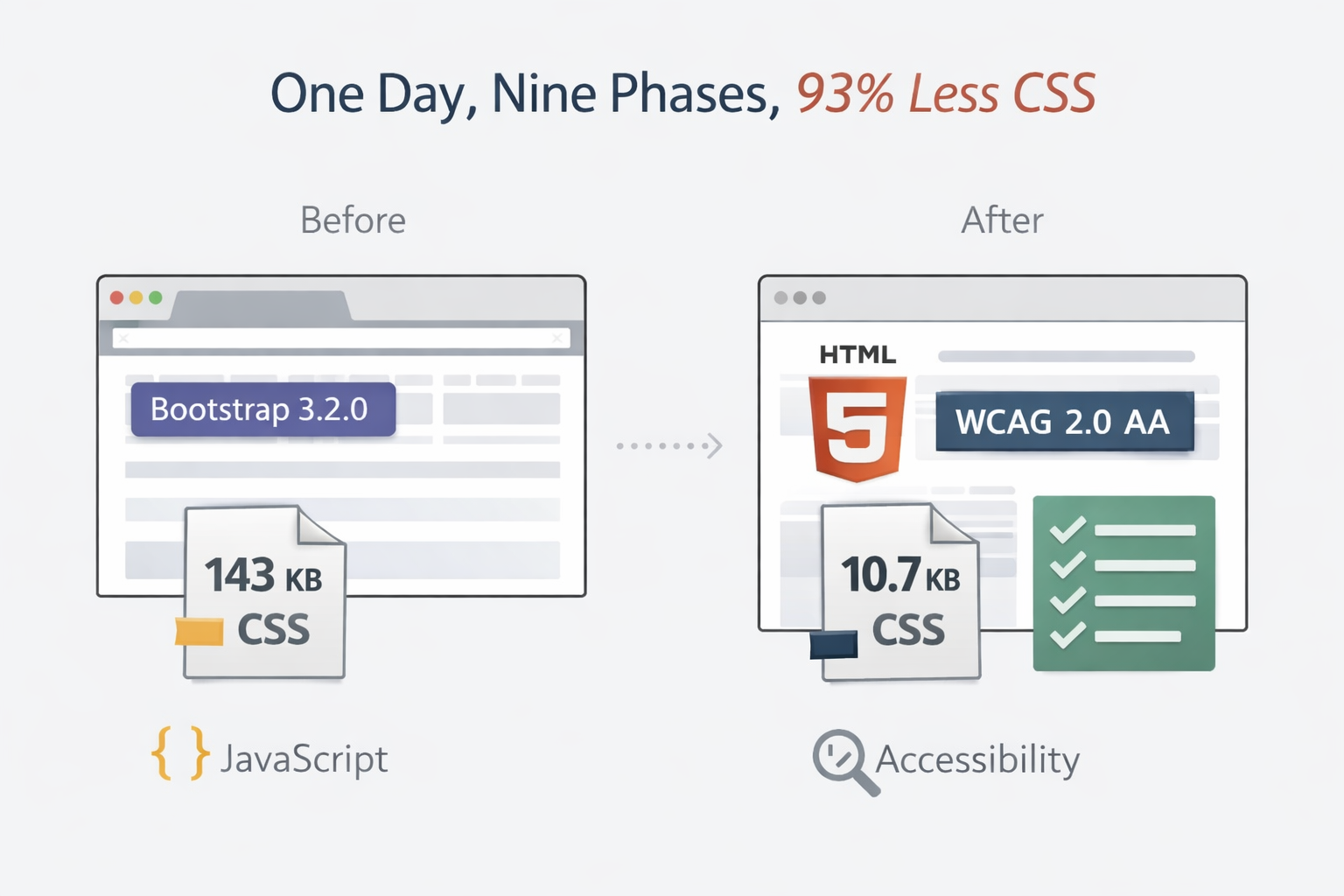
| CSS (uncompressed) | 143 KB | 10.7 KB | -92.5% |
| CSS (gzipped) | 25.1 KB | 2.7 KB | -89.2% |
| Framework dependencies | Bootstrap 3.2.0 | None | Eliminated |
| JavaScript | None | None | Same |
| Semantic HTML landmarks | None | Full | New |
| WCAG automated checks | 0 | 27 tests | New |
| JSON-LD schemas | 0 | 4 | New |
93% less CSS, and the site looks exactly the same. Except now it’s accessible, semantic, and has better structured metadata.
Under the Hood
For the technically curious, the new CSS architecture is six small SCSS files:
variables.scss— CSS custom properties for colors, spacing, typographytypography.scss— Font stacks, heading scales, prose stylinglayout.scss— CSS Grid for the content/sidebar layoutcomponents.scss— Navigation, cards, sidebar panels, footercode.scss— Syntax highlighting with WCAG-compliant Solarized colorsutilities.scss— A handful of helper classes
I wanted to just use pure CSS and some type of bundler, but that would have just traded one tool for another—I already have to use Jekyll, and that already comes with a Sass/SCSS bundler. (Else it would have just shifted that to some other node-based bundling approach.)
The HTML moved from Bootstrap’s col-md-9 / col-md-3 grid classes
to semantic elements with meaningful names.
A screen reader now knows what’s the navigation,
the main content,
and the sidebar—because the HTML tells it.
Accessibility Wasn’t an Afterthought
I have noticed a trend lately where Accessibility by various AI tools is not treated as a first-class consideration, and from an ethical point of view I strongly resonated with Rob Eisenberg’s focus on accessibility while watching his course.
The Web is for everyone, and must accommodate for folks with various impairments.
And now with AI assistance, there really is no excuse not to do so.
I’m not going to pretend that this initial refactor is “perfect” from an accessibility standpoint (or even the best from an underlying HTML/CSS cleanliness standpoint)—it’s an iteration that I’ll be building on to ensure my site is as accessible as it can be.
One of the most rewarding phases was adding automated accessibility testing with axe-core. Every one of the 27 visual regression tests now also runs a WCAG 2.0 A/AA audit. If a future change introduces a color contrast violation or a missing label, the tests catch it before it ships.
The initial audit uncovered two classes of violations:
Color contrast. Seven of nine Solarized syntax highlighting colors didn’t meet the 4.5:1 ratio against the dark code block background. Each was lightened to the minimum value that passes—close enough to the original palette that you’d never notice by eye.
Link distinguishing. Links within body text matched the surrounding text color with no underline, making them invisible to anyone who can’t perceive the accent color. We added underlines to in-content links while keeping navigational elements (tags, menus) underline-free.
These are the kinds of issues that exist on millions of websites. Automated tooling makes them trivially detectable.3
Less Is More
The web spent the last decade accumulating dependencies: build tools, framework CSS, JavaScript bundles, polyfills for features that browsers implemented years ago.
For a personal blog—a site that serves static HTML and CSS—almost
none of that is necessary anymore.
CSS Grid replaced Bootstrap’s grid.
Custom properties replaced SCSS variables for theming.
<nav>, <main>, and <article> replaced
the <div role="navigation"> hacks we used to write.
The web platform has caught up. And many of us need to let go of layers of scaffolding that have emerged, and which, frankly, for a lot of scenarios, are no longer necessary.
If you’ve been looking for a concrete example of AI-assisted development that isn’t vibe coding a greenfield app from a prompt, this is it: a precise, phase-by-phase modernization of an existing codebase, with automated tests as the safety net and a human at the wheel.4
The AI didn’t dream up the philosophy. It didn’t decide that Bootstrap should go (I did), or that accessibility mattered (I said it did), or that zero JavaScript was a worthy constraint (I felt like it was).
What it did do, was make this vision that I’ve had kicking around for months, finally—and in a timeframe that I could accommodate—a reality.
Footnotes
-
Spread across a few focused sessions, but the total active time was well under a day. The pace was limited more by running tests and reviewing output than by figuring out what to change. ↩
-
The issue: wide code blocks created horizontal scrolling, and axe-core flagged the scrollable regions as needing keyboard focus (
tabindex="0"). Claude Code proposed a small JavaScript snippet to add the attribute. I said no—zero JavaScript is zero JavaScript. We landed onwhite-space: pre-wrapinstead, which wraps long lines and eliminates the scrollable region entirely. Problem solved, principles preserved. ↩ -
If you have a Playwright test suite, adding axe-core takes about five minutes and an
npm install. There’s really no excuse. ↩ -
There’s something meta about this. I wrote a post about tidying your data house a few weeks ago and then turned around and tidied my own. Practice what you preach, I guess. And yes, if you think about it: code is a form of data. And the higher quality data (code) you feed to AI in the future, in my opinion, the better off you will be. ↩